The teleprompter software I always wished existed.
Every app I'd used felt built by someone who doesn't run teleprompter — tools scattered, the workflow fighting back right when the room speeds up. Valendo is the one I made for myself: the whole kit within reach and moving together, quick to drive, nothing buried in menus. For Windows and macOS.
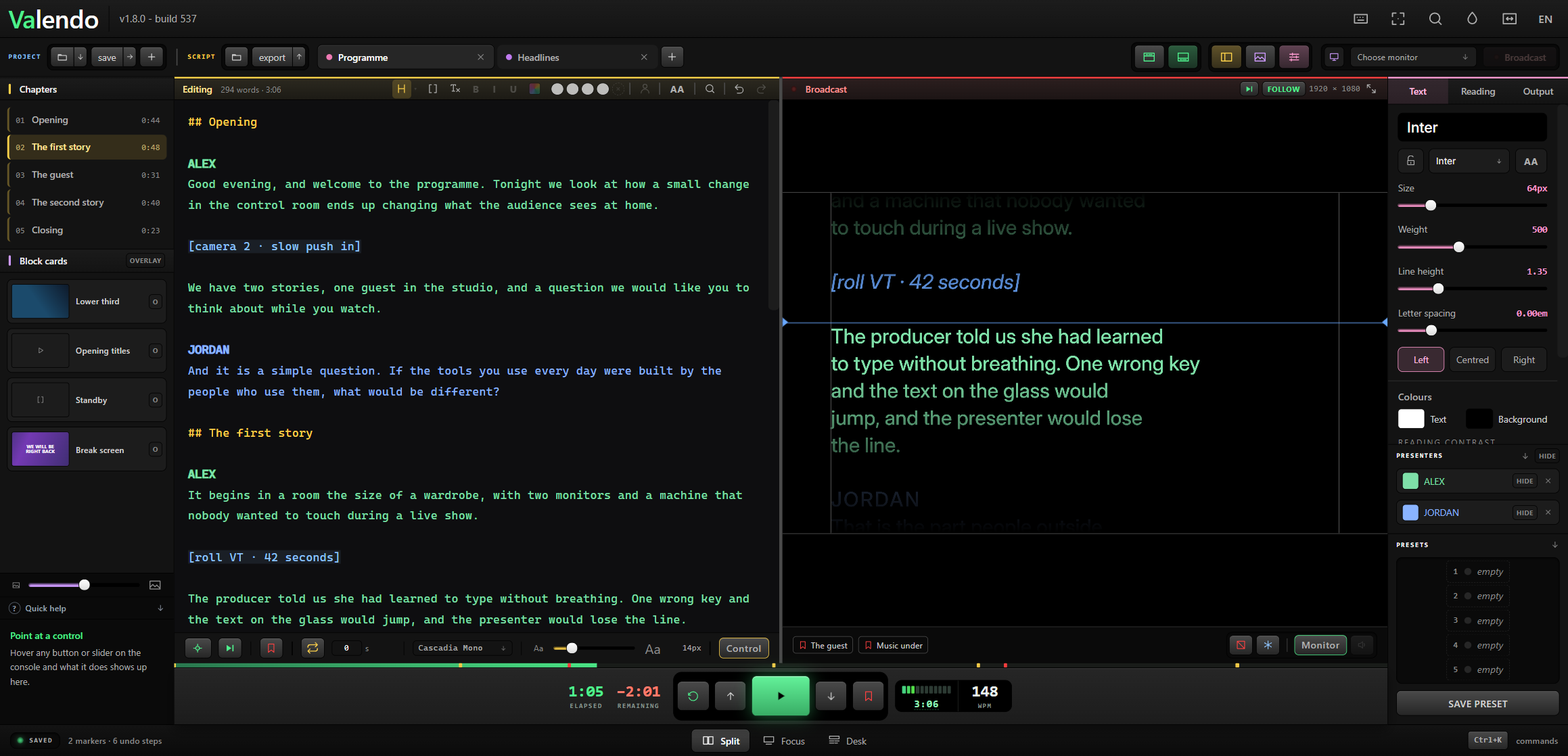
Three reasons to switch
01 — 03
A teleprompter that shows more than text
For as long as anyone's run one, a teleprompter has done a single thing: scroll words. Valendo adds cards — an image, a video, a full-screen message, even a live screen — each on its own key, dropped over the script or in its place, like a lower third you run yourself. No other prompter does this, and it changes what you can bring to a job.
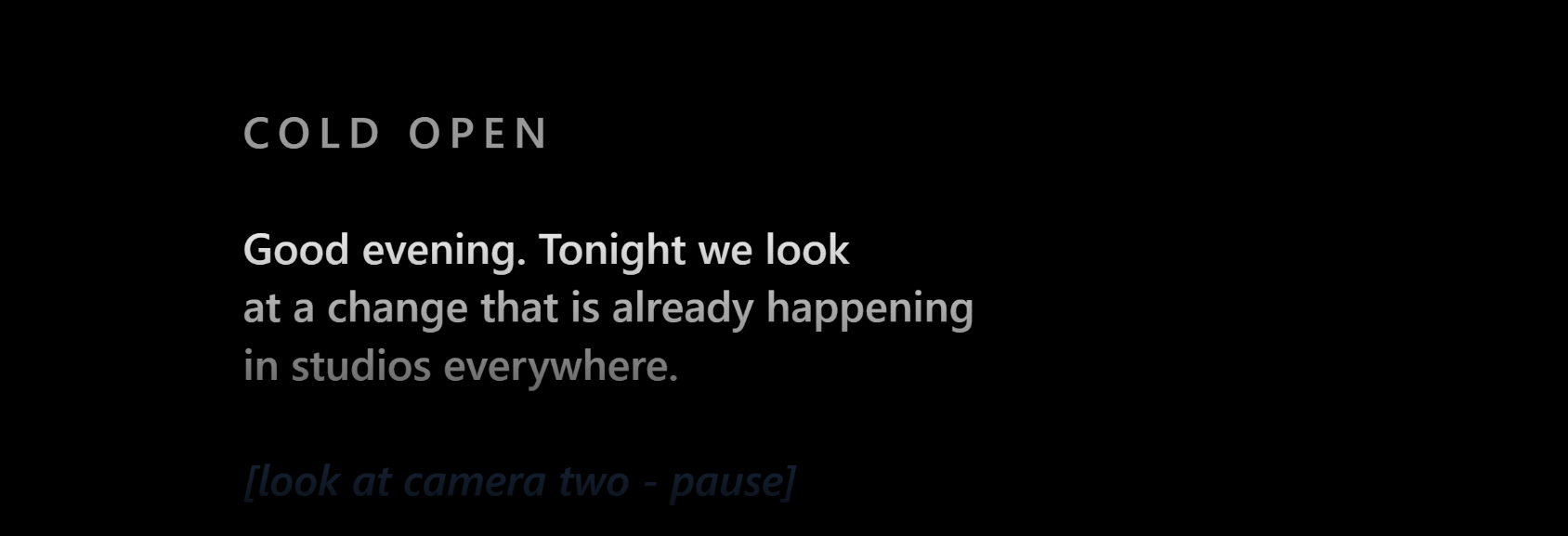
Any device on the wi-fi becomes a prompter — or the desk
Flip a switch and the read shows up on a page on your own network: any phone, tablet or laptop that opens the address is on the same script, at the same word. Flip a second one, behind a passcode, and that device runs the show — transport, chapters, cards, even fixing a paragraph — while you watch what the talent sees. Nothing to install, no cable across the studio.
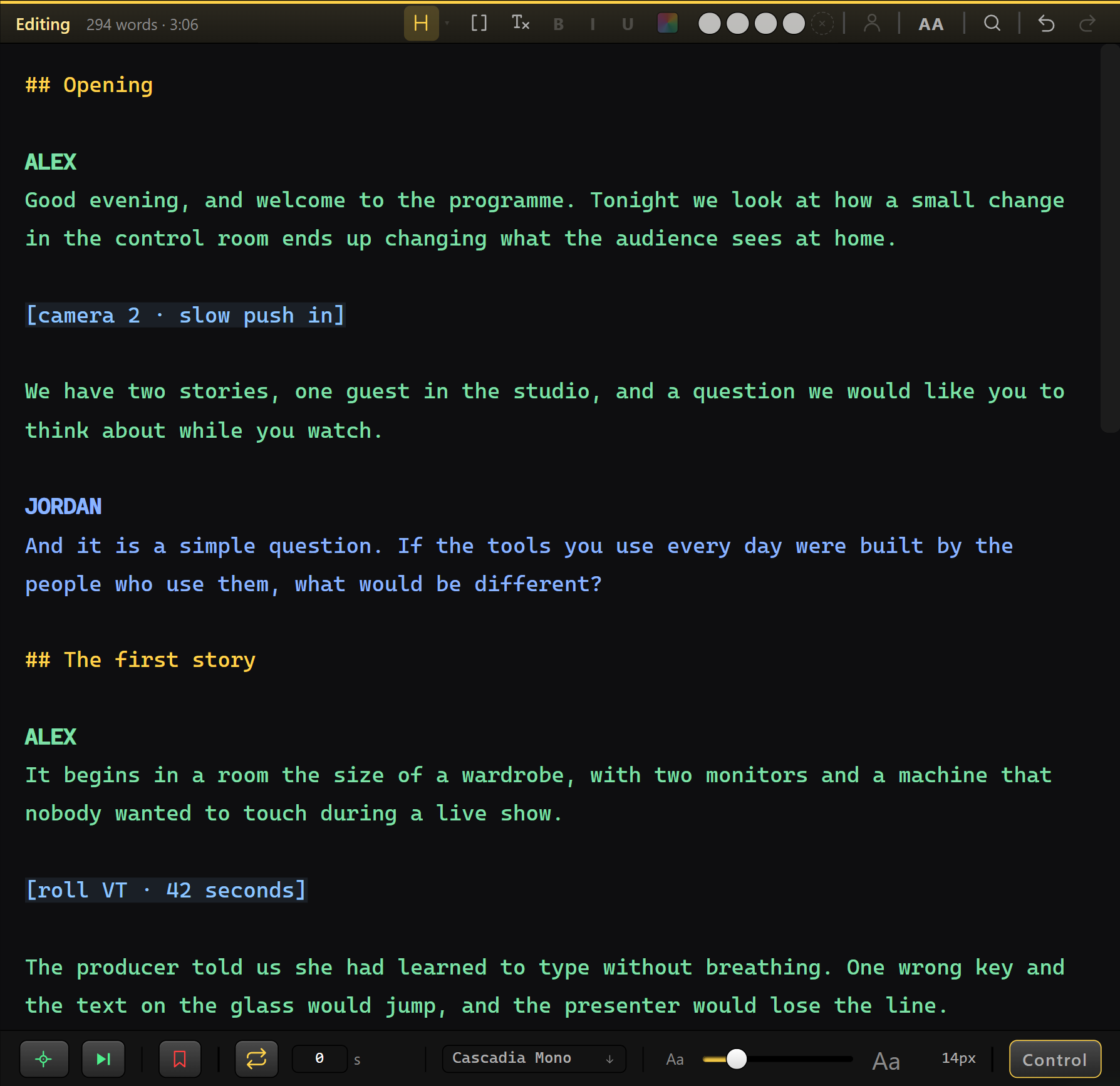
And the whole thing stays live
Rewrite a line with the show on air and the talent won't feel it. Mark and chapter the script, find every hit at once, send the read to any monitor — mirrored, rotated, blacked out. Map any control by pointing at it, with the keyboard or a MIDI pad. It all moves at the speed you work.
The rest of the console
All of it live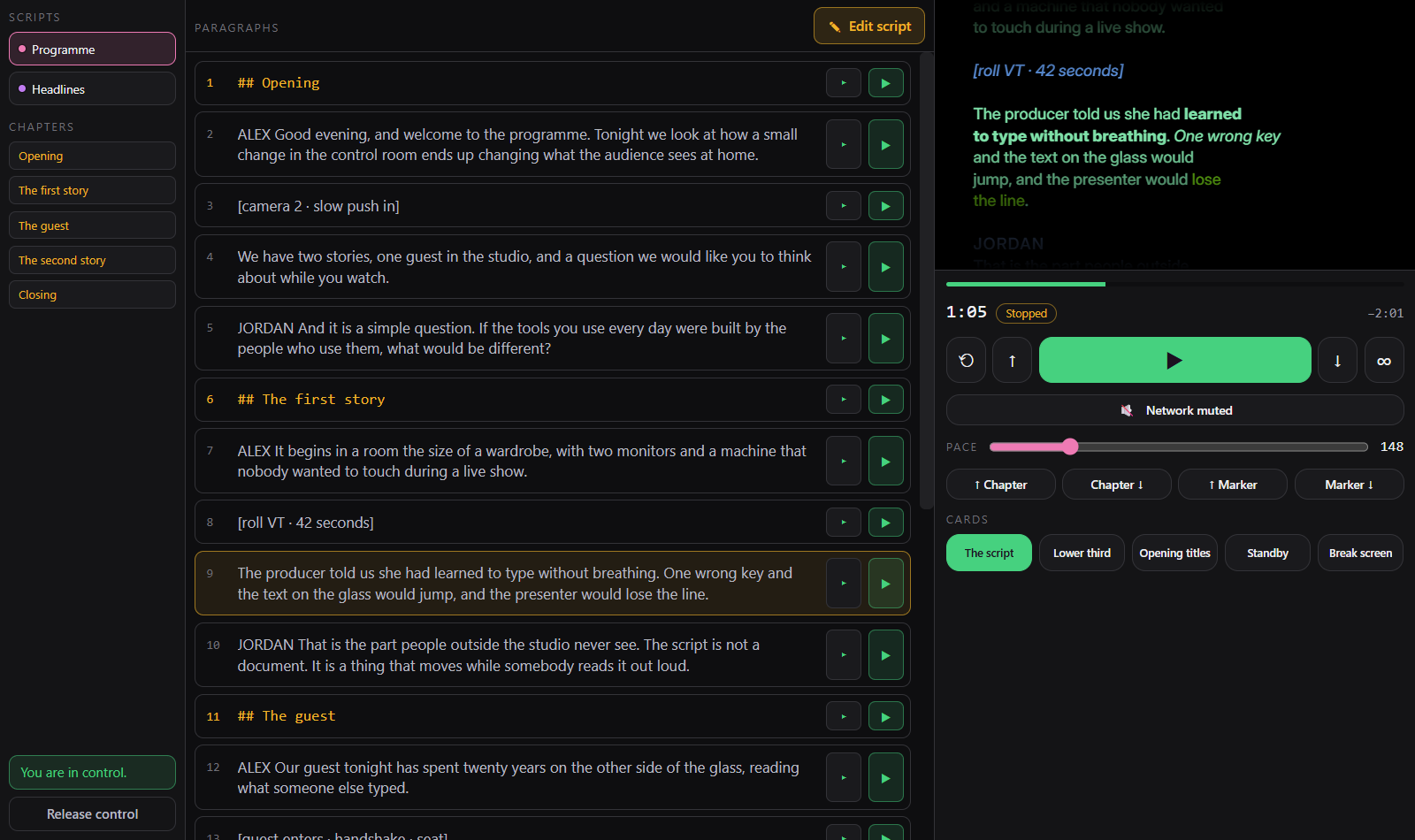
The command desk
Scripts and chapters on the left, the program in the middle, transport and the live page on the right — the whole run in front of you, from any device on the wi-fi.
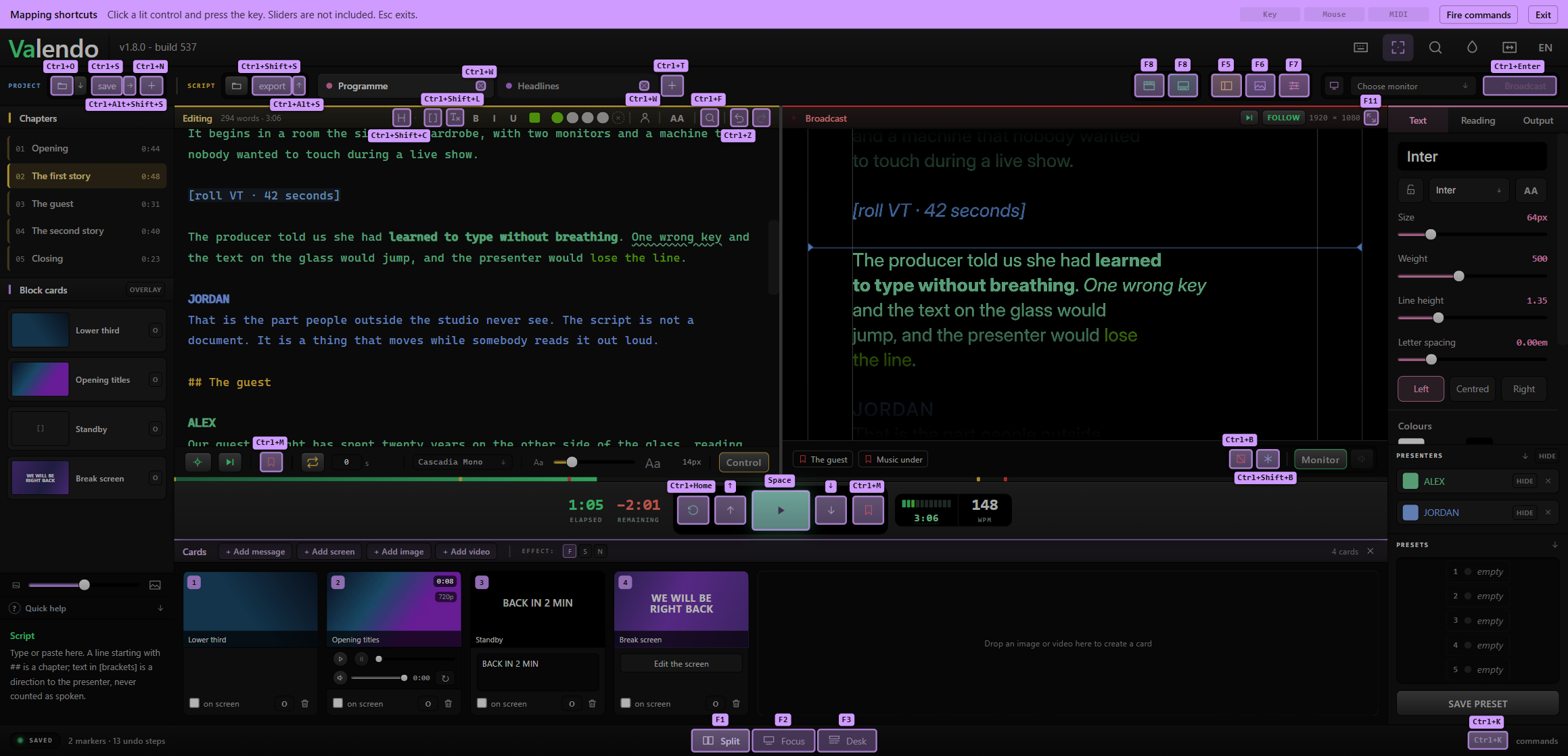
Shortcuts mapped by pointing
Turn on mapping mode, click the button you mean and press the key — or a pad on a MIDI controller.
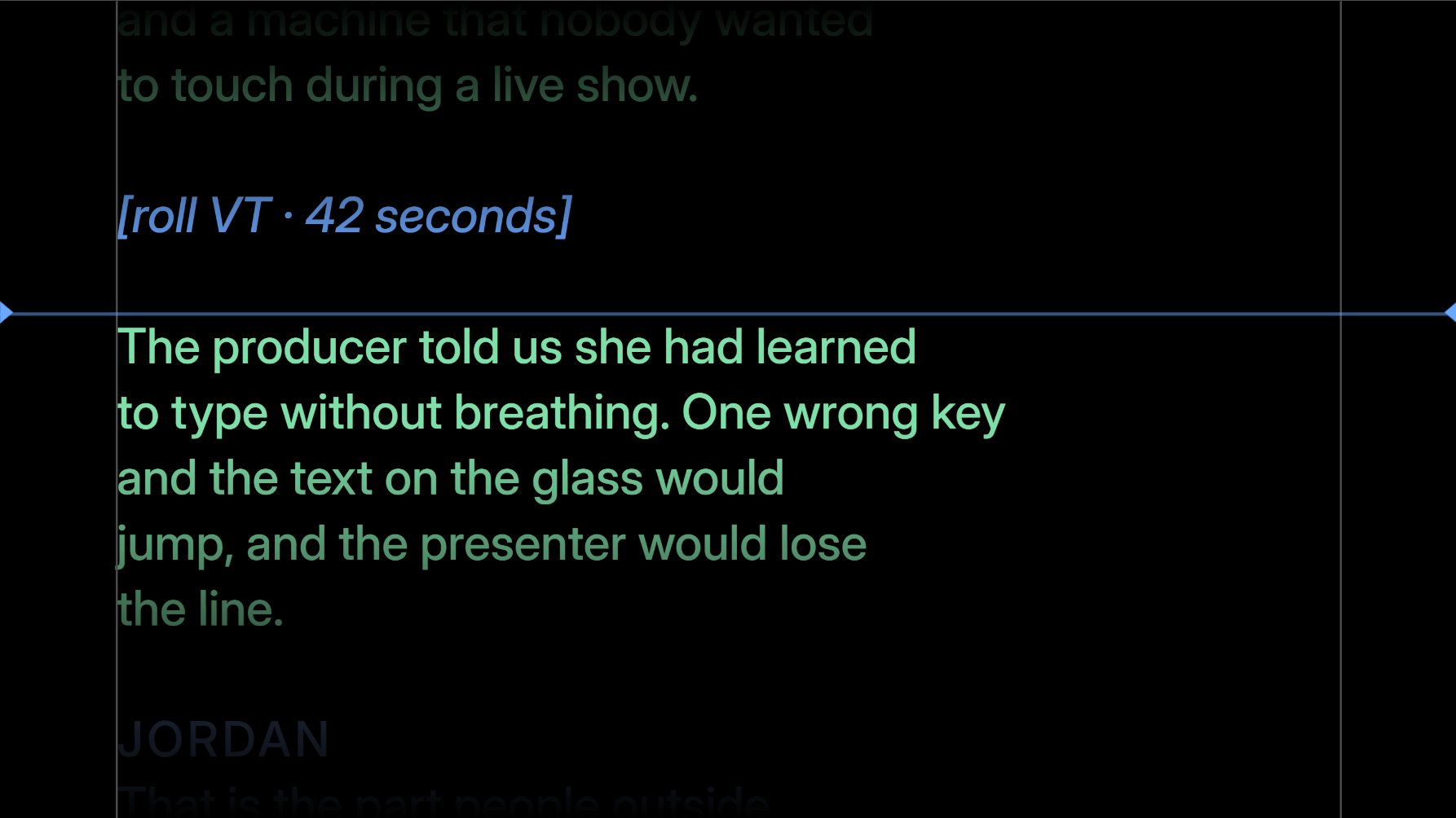
The presenter's screen
Any monitor, identified before you send a show to it. Mirrored, rotated, blacked out, or dimmed away from the reading line.
Fifteen days free, then two tiers
By the month, the year, or onceFree trial
15 daysNo account, no email, no card, nothing to cancel.
- Everything in Studio unlocked for 15 days, from the first launch.
- Starts by itself — there is no trial key to fetch.
- After that: opening, editing and saving projects is never blocked.
- It keeps working, with fewer features and a small mark on the presenter's screen.
- No project ever becomes unopenable.
Also on the Mac App Store and the Microsoft Store.
Standard
One machine, one operatorActivates on one machine.
- The full teleprompter, on your machine
- Live editing while the show is on air
- The presenter's screen, full screen, mirrored and rotated for the glass
- Marks, chapters and the find that paints every hit
- Message cards, ten script tabs
- Twenty themes, import and export txt, md, docx, pdf
- MIDI and on-screen key mapping
Studio
For a productionAlready on Standard? The upgrade is the difference, not the full price again.
- Everything in Standard
- The reading page on your network — any device on the wi-fi becomes a prompter screen
- The command desk on any device — transport, cards, and editing a paragraph from the floor
- Image, screen and video cards — over the script or instead of it
- Naming who speaks: each presenter reads in their own color
- The drawn standby screen, without opening a design app
- Lightweight copies for the network, so studio wi-fi holds
Standard is you at one machine. Studio is a whole production — more devices, more media, more people in front of the camera.
Paying by the month is for a single job: one recording, an event, a week on location. Use it twice and the year is already cheaper, because the year costs five months. What happens if a subscription lapses is on the pricing page.
Fifteen days with everything unlocked, no account and no card. After that you choose a tier — or the app keeps working, just simpler.